Introduction
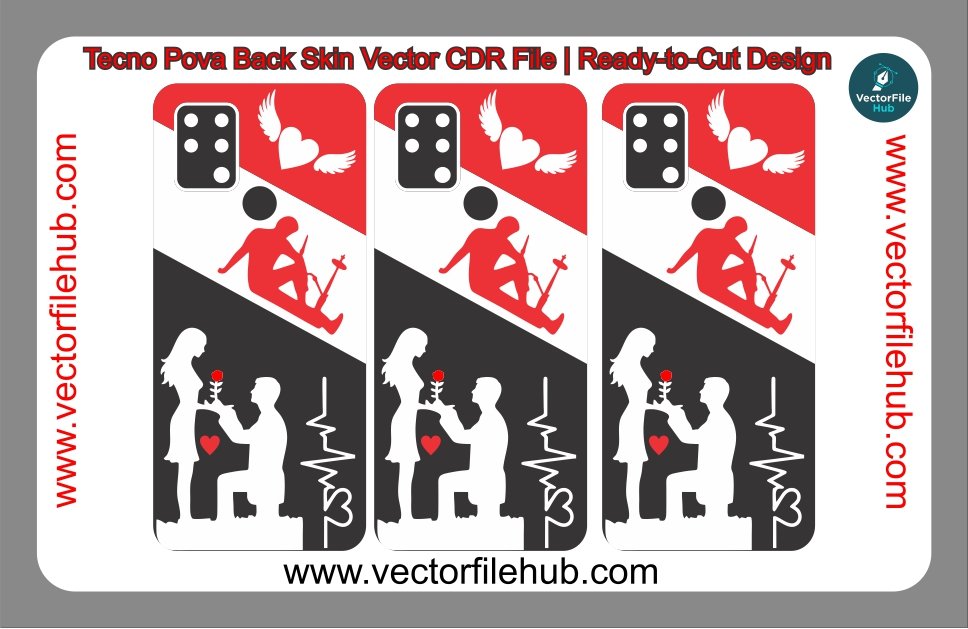
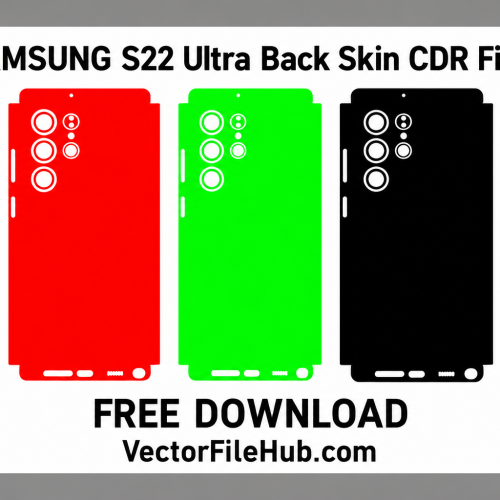
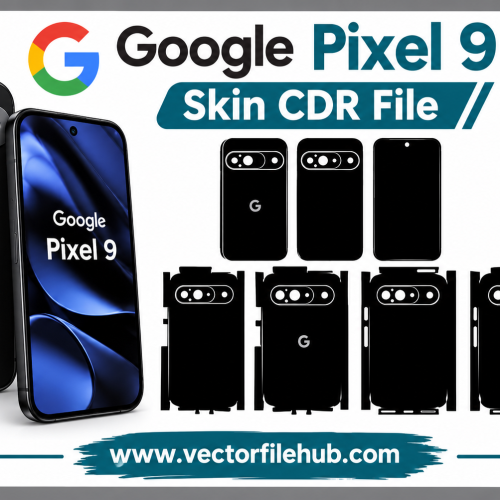
Looking to give your Tecno Pova a premium, customized look? Custom mobile skins have become the ultimate way to personalize your devices, mirroring the popular trends of vehicle wrapping and high-end tech modifications. Instead of settling for basic cases, a precision-cut vinyl skin offers a sleek, scratch-resistant layer that maintains the phone’s original form factor. This premium, exact-fit vector template allows you to create stunning, personalized back skins using any vinyl plotter or cutting machine.
Key Features of the Design
100% Vector Graphic: Fully scalable resolution ensuring crisp, razor-sharp edges during the cutting process.
Flawless Precision: Designed with exact dimensions for camera modules, flash, and logo cutouts.
Fully Editable: Modify layers, add custom textures, or integrate unique artwork seamlessly in CorelDRAW.
Production-Ready: Optimized line weights specifically tailored for vinyl cutters and plotter software.
Technical Specifications
File Format: CorelDRAW (.CDR)
Compatibility: Compatible with CorelDRAW X7 or higher versions.
File Size: Lightweight and optimized for fast downloading.
License: Free for personal and commercial use (Copyright-free, modification allowed).
Quick User Guide
Download & Extract: Download the free .CDR file from Vector File Hub and open it in CorelDRAW.
Verify Dimensions: Ensure your document units are set to millimeters or inches to match the physical device specifications before sending it to cut.
Customize Artwork: Add your preferred graphics, textures, or color schemes within the cutting boundary template.
Cut & Apply: Send the file to your vinyl cutting plotter, weed out the excess material, and carefully align the skin onto the back of the Tecno Pova.
Download CDR File

Pingback: Free Download: Tecno Pova Back Skin Vector CDR File | Ready-to-Cut Design - Copy - vectorfilehub
Pingback: Tom No Money Bike & Car Sticker Design | Free CDR Vector Download - Copy - vectorfilehub
😊😊😊😊😊😊😊