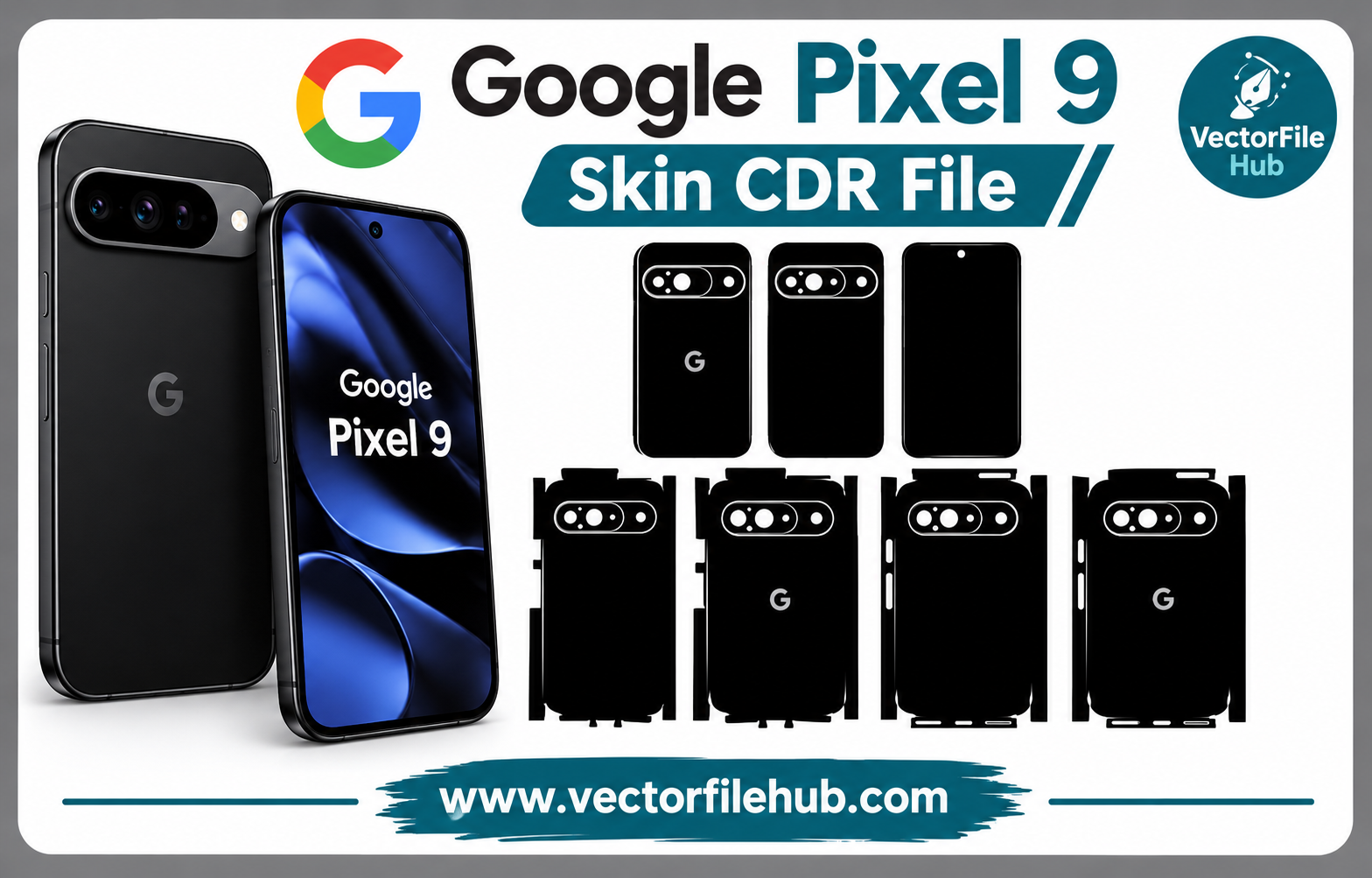
Google Pixel 9 Skin CDR File Free Download
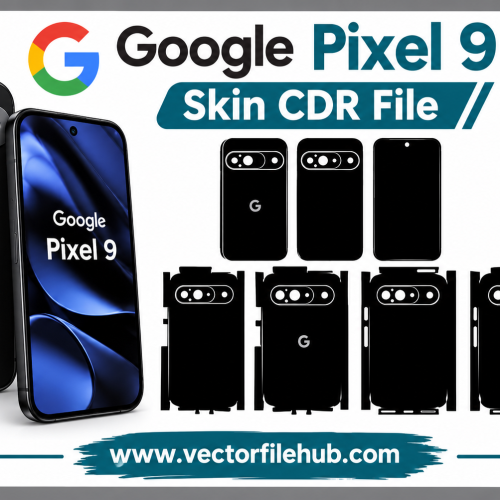
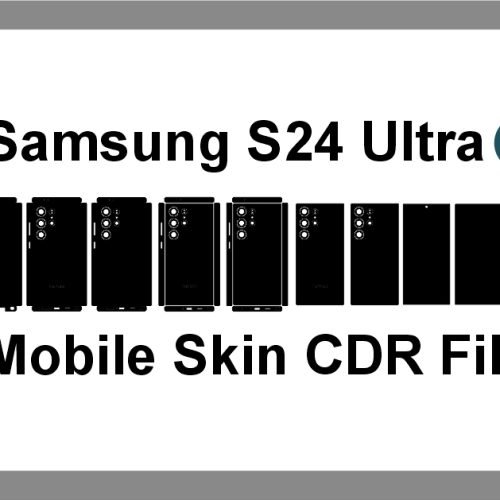
Looking for a clean and accurate Mobile Skin CDR File for the Google Pixel 9? This free CDR template is designed for mobile skin makers, sticker designers, printing shops, and anyone who wants to create a professional skin for the Pixel 9.
The template provides the necessary phone shape and cutting areas, making it easier to prepare custom stickers and skins in CorelDRAW.
Google Pixel 9 Skin CDR File
The Google Pixel 9 Skin CDR File is useful for creating custom vinyl skins, protective stickers, and decorative designs. The template can help you position your artwork accurately before sending it for cutting or printing.
Instead of creating the phone outline manually, you can use the ready-made CDR template and focus on designing the artwork. This can save time and make the overall design process easier.
What Is Included in the CDR File?
The template is prepared for common mobile skin design requirements and includes important areas needed for creating a Pixel 9 skin.
Depending on your design project, you can use the template for:
- Back skin designs
- Camera cutout areas
- Custom sticker designs
- Vinyl cutting
- Printable mobile skins
- Personalized phone decoration
- Professional skin production
Why Use a CDR File for Mobile Skins?
CorelDRAW CDR files are widely used for vector-based design and cutting work. Because the template is vector-based, you can edit, resize, and customize the design according to your project requirements.
A Mobile Skin CDR File can also be useful for professional sticker shops because the design can be modified without losing the quality of the vector artwork.
Before cutting the final skin, always check the dimensions of your cutting machine, vinyl material, and actual phone measurements. Different production methods may require small adjustments to the template.
How to Use the Google Pixel 9 Skin Template
Using the template is simple if you already work with CorelDRAW.
- Download the CDR file from the download section.
- Open the file in CorelDRAW.
- Check the template dimensions before designing.
- Add your logo, artwork, patterns, or graphics.
- Make sure the camera and edge cutouts remain clear.
- Export or send the finished design to your cutting machine.
For the best result, test the design on a sample piece of vinyl before producing multiple skins.
Free Google Pixel 9 Skin CDR File Download
If you need a ready-to-use Google Pixel 9 Skin CDR File, you can download the template and start working on your custom skin designs. It is suitable for designers, mobile accessory shops, sticker makers, and printing businesses.
The file can be customized in CorelDRAW to create different colors, patterns, logos, and decorative styles according to your requirements.
Conclusion
A properly prepared Pixel 9 skin template can make mobile skin design faster and easier. This free CDR file gives designers a useful starting point for creating custom stickers and professional-looking phone skins.
Download the Google Pixel 9 Skin CDR File, create your design, and share your thoughts or questions in the comments below!