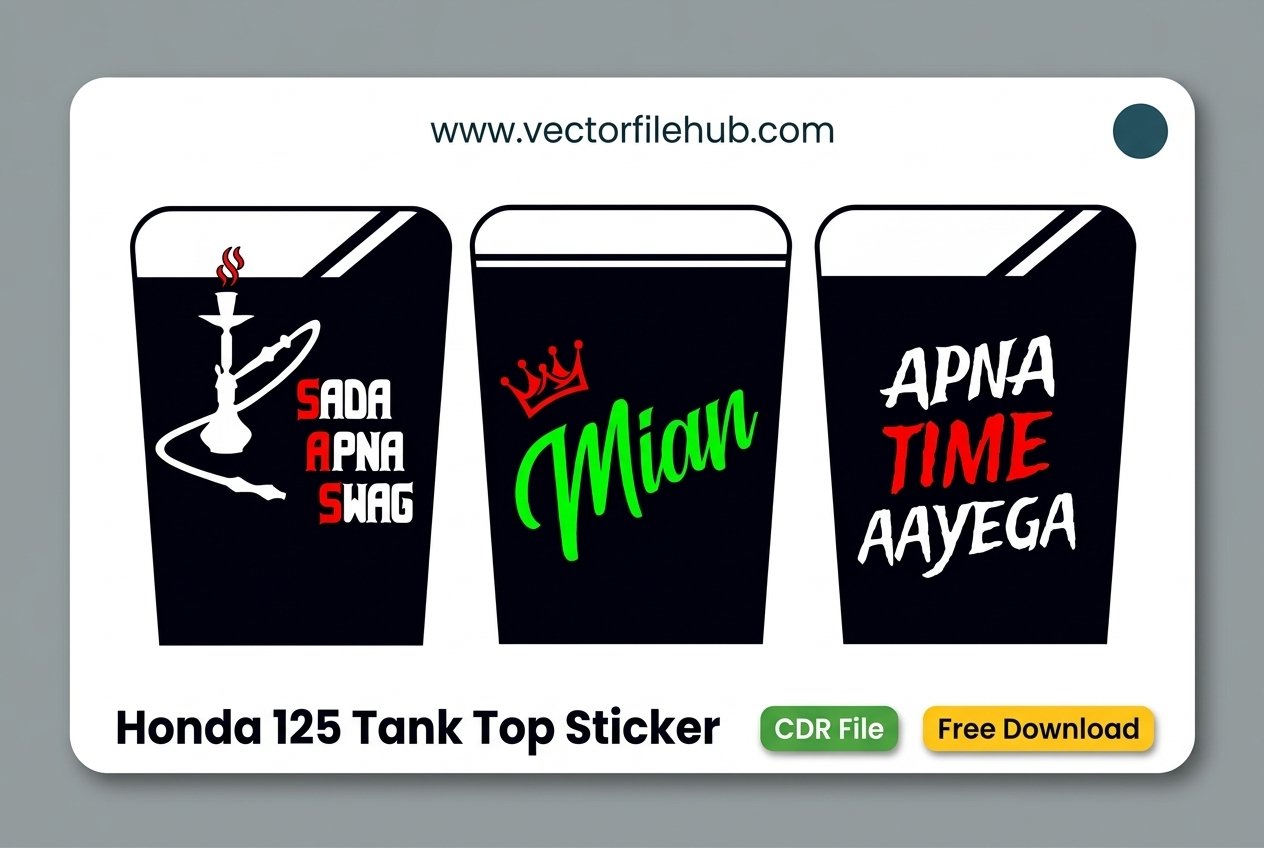
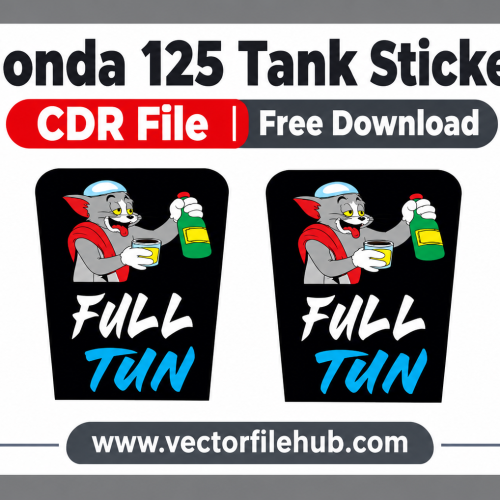
This Honda 125 tank top sticker pack has three bold designs made for the top panel of the fuel tank. Each design is drawn as clean vector shapes in CorelDRAW, so you can resize it, change colors and send it straight to your cutting plotter.
Watch the preview video below, then read the details before you download the file.
(Yahan video lagayen.)
What Is Inside the File
This pack contains three designs, each shaped to fit the tank top panel.
- Design 1, “Sada Apna Swag”: a white hookah illustration with bold lettering. The first letters S, A and S are highlighted in red.
- Design 2, “Mian”: a green script name with a red crown above it. It suits riders who want a clean, name-style sticker.
- Design 3, “Apna Time Aayega”: bold white and red text in a strong, easy-to-read style.
All three designs use thick shapes, which makes them easy to cut and weed.
File Details
- Format: CDR file made in CorelDRAW
- Designs: 3, placed side by side on one page
- Colors: white, red and green
- Text: converted to curves, so you do not need to install any font
Who This File Is For
This pack helps bike decoration shops, sticker makers and riders who cut their own vinyl. If you decorate Honda 125 bikes often, the ready-made shapes save you hours of drawing.
How to Use the File
- Download the file and open it in CorelDRAW.
- Measure the top of your tank and compare it with the file. Resize if needed, and keep the proportions locked.
- Pick the design you want and delete the others, or keep all three for different customers.
- Print a copy on paper at 100% and hold it against the tank to test the fit.
- Cut each color on its own vinyl, then layer the colors using transfer tape.
Tips for a Clean Finish
- Use outdoor-grade vinyl, because the tank top faces sun and rain all day.
- Clean the surface with a dry cloth before you apply the sticker.
- Press from the center outward with a squeegee to remove air bubbles.
- Warm curved edges gently with a hair dryer so the vinyl follows the shape.
- Keep a small margin from the edge so the vinyl does not lift.
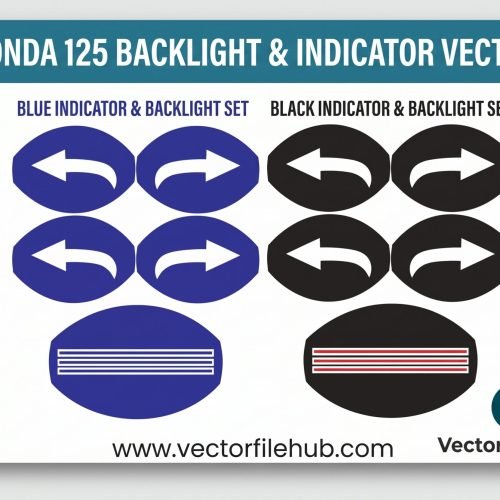
If you want to draw your own version, read our guide on how to create a bike sticker design in CorelDRAW. You can also see our Honda 125 backlight sticker pack for a matching set.
Frequently Asked Questions
Is this file free to download?
Yes. You can download the CDR file for free using the button below.
Which software do I need?
You need CorelDRAW to open the CDR file. If your software cannot open it, tell us in the comments.
Will it fit my Honda 125?
Tank sizes can differ between models and years. Always measure your tank top and test the design on paper first.
Can I change the text and colors?
Yes. All shapes are vectors, so you can edit colors and resize without losing quality.
Download CDR File