Revitalize Your Ride with High-Quality Smile Emoji Vectors
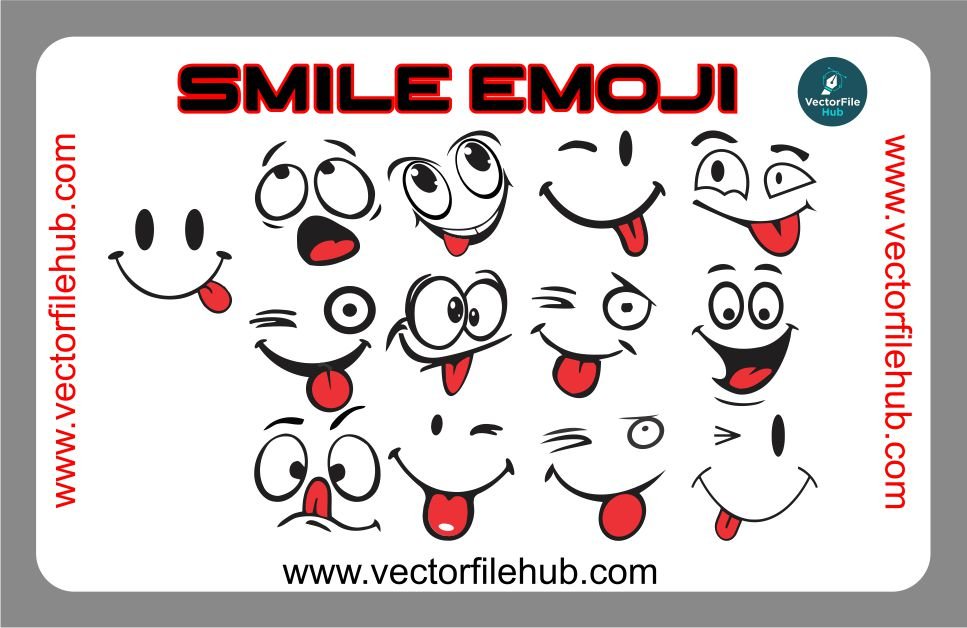
Whether you are looking to add a touch of personality to your car’s fuel tank or want to give your bike a friendly edge, the Smile Emoji Vector is a timeless choice for vehicle modification. A simple smile can transform the aesthetic of your ride, making it stand out on the road with a positive, modern vibe.
At Vector File Hub, we provide precision-crafted designs specifically optimized for cutting plotters and digital printing. This smile emoji vector is designed with clean nodes and smooth curves, ensuring a flawless finish whether you are applying it to a helmet, a car bumper, or a motorcycle side panel.
Key Features
Premium Quality: High-resolution vector paths for sharp, pixel-free scaling.
Fully Editable: Easily change colors, stroke thickness, or expressions to suit your style.
Ready-to-Cut: Optimized for vinyl cutters like Roland, Graphtec, and Mimaki.
Versatile Use: Perfect for tank stickers, laptop decals, and helmet graphics.
Technical Specifications
File Format: .CDR (CorelDraw)
Software Compatibility: CorelDraw X3 or higher, Adobe Illustrator, Inkscape.
Color Mode: CMYK (Print Ready)
License: Free for personal and commercial use (Copyright-free).
User Guide: How to Use the File
Download & Extract: Download the .CDR file from the link below.
Import: Open the file in CorelDraw or your preferred vector software.
Resize: Select the vector and drag the corners to scale. Since it is a vector, there will be no loss in quality.
Prepare for Cutting: Ensure the “Hairline” outline is set if you are sending it directly to a vinyl plotter.
Download CDR File