Elevate Your Ride with the Majestic Eagle Vector Design
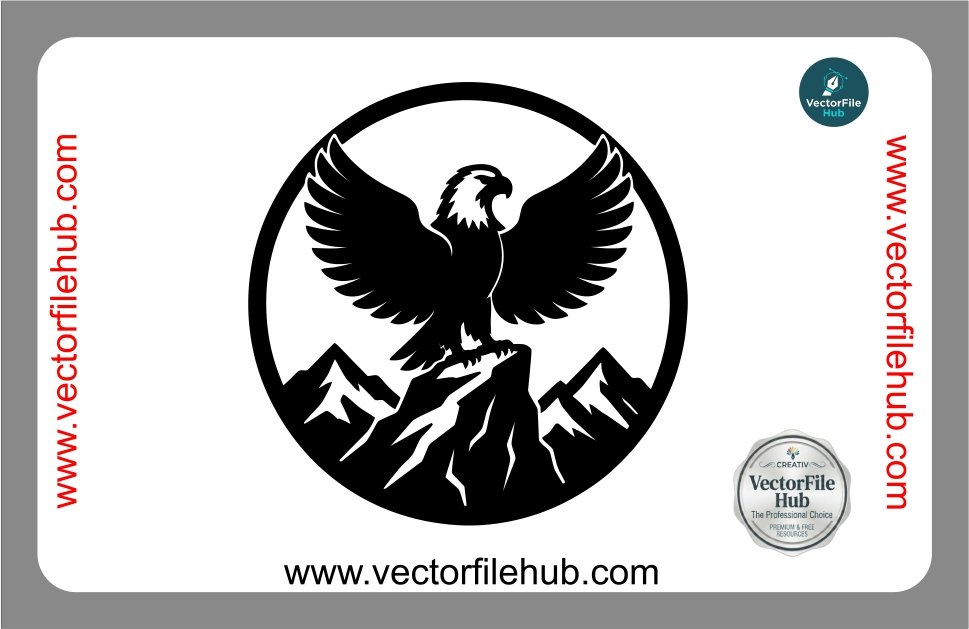
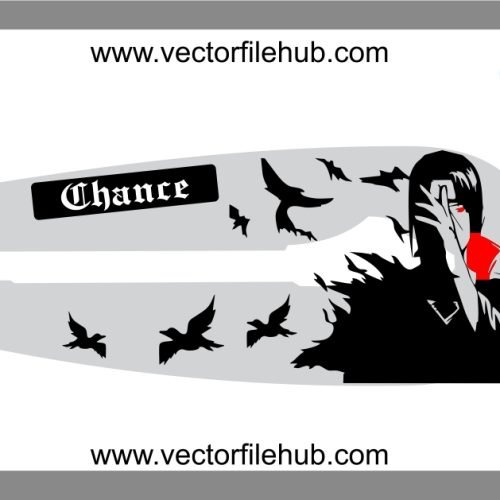
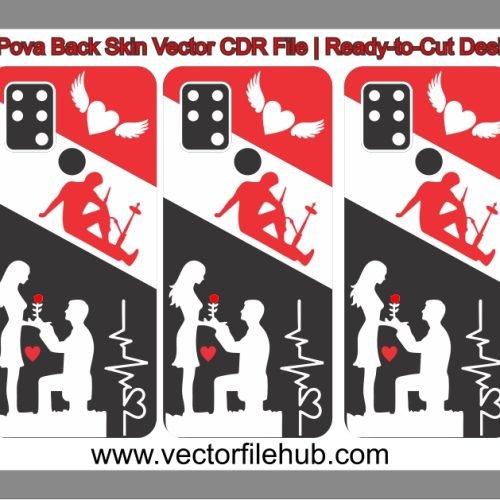
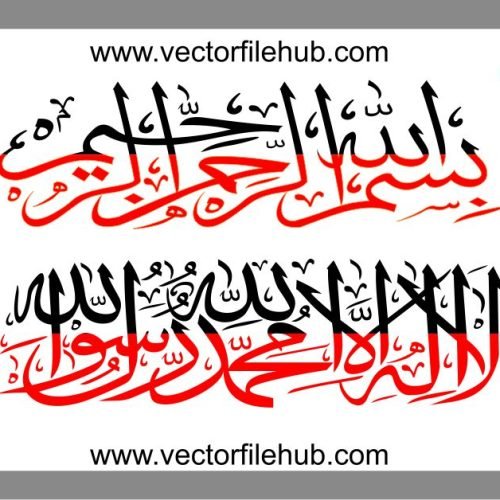
If you are looking to give your vehicle a powerful and bold transformation, nothing speaks louder than the symbol of freedom and strength. This high-quality Eagle on Mountain Peak vector design is perfect for enthusiasts who want to customize their cars or bikes with a professional-grade decal. Whether you are applying it to a fuel tank, a side panel, or a rear window, this silhouette captures the sharp detail and commanding presence of an eagle perched high above the mountains.
This design is specifically crafted for precision cutting and high-impact visual appeal, ensuring your vehicle stands out on the road.
Key Features
100% Vector Quality: Scalable to any size without losing sharpness or detail.
Ready-to-Cut: Optimized paths for vinyl cutters, plotters, and laser engraving.
Fully Editable: Easily modify strokes, colors, or sizes to fit your specific modification project.
Clean Geometry: High-resolution lines ensure a smooth finish for sticker printing and decal cutting.
Technical Specifications
File Format: CorelDraw (.CDR)
Compatibility: CorelDraw X3 or higher, Adobe Illustrator, and Inkscape.
License: Free for personal and commercial use (Copyright-free).
File Type: Vector Illustration.
User Guide: How to Use This File
Download & Extract: Save the .CDR file to your local drive.
Open in CorelDraw: Import the file into your workspace.
Resize: Select the design and adjust the dimensions according to your vehicle’s surface area (e.g., fuel tank or glass).
Prepare for Cutting: Ensure your plotter settings are calibrated for the thickness of your vinyl material.
Apply: Clean the surface of your bike or car thoroughly before applying the final decal for maximum durability.
Download CDR File