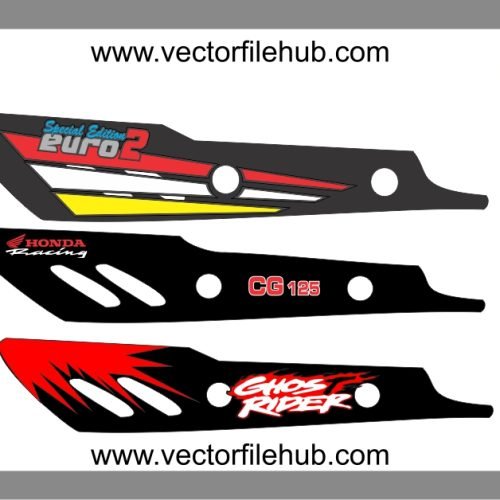
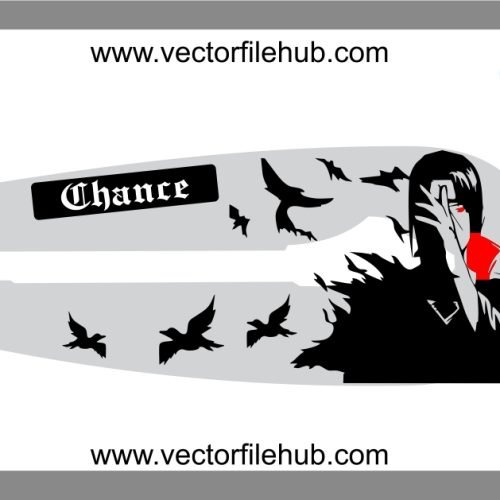
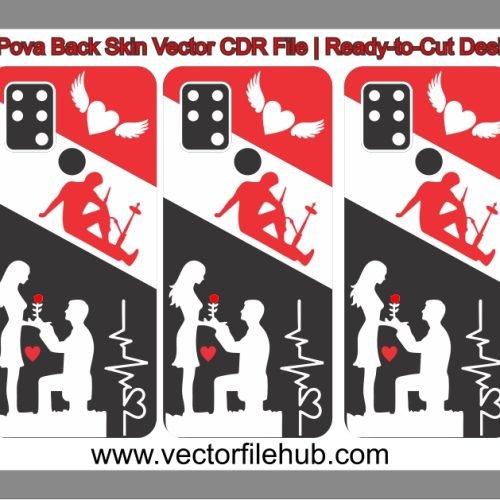
Are you looking to add a touch of playful mischief to your vehicle or holiday crafting projects this Christmas? Look no further than this high-quality, free-to-download Mischievous Grinch Silhouette Vector file. Whether you want to customize your car’s fuel tank, adorn your bike’s fairing, or create unique holiday decorations, this classic Grinch design is the perfect choice for professional vector cutting and personalized modifications.
This vector file is optimized for various applications, including:
Vehicle decals (cars, bikes, scooters)
T-shirt printing (vinyl heat transfer)
Home décor (wall decals, window stickers)
Holiday greeting cards and gift tags
Key Features:
High-Resolution Output: Crisp, clean lines for flawlessly sharp cutting at any scale.
Fully Editable Vector Data: Adjust sizes, shapes, and colors effortlessly in compatible vector software.
Ready-to-Cut Design: Perfectly prepared for seamless use with vinyl cutters, plotters, and laser engraving machines.
Instant Free Download: Access this premium design immediately at no cost.
Technical Specifications:
File Format: Native CorelDRAW (.CDR) file.
Compatibility: CorelDRAW X3 or newer. (Compatible with other vector software like Illustrator via import/conversion).
Color Mode: Monochrome (Black/White).
License: Copyright-Free / Public Domain (Free for personal and commercial use).
User Guide: How to Use This Grinch Vector File
Download: Click the download link below to save the .CDR file to your computer.
Open in Vector Software: Launch CorelDRAW (or import into Adobe Illustrator/Inkscape) and open the file.
Resize: Scale the silhouette to your desired dimensions. Because it’s a vector, it won’t lose quality.
Prepare for Cutting: Ensure the design is centered and scaled correctly for your material. If cutting for a curved surface like a bike tank, take test measurements.
Send to Cutter: Output the design to your vinyl plotter or cutting machine.
Apply Decal: Carefully weed the excess vinyl and apply the decal to your clean vehicle or craft surface.
Download CDR File