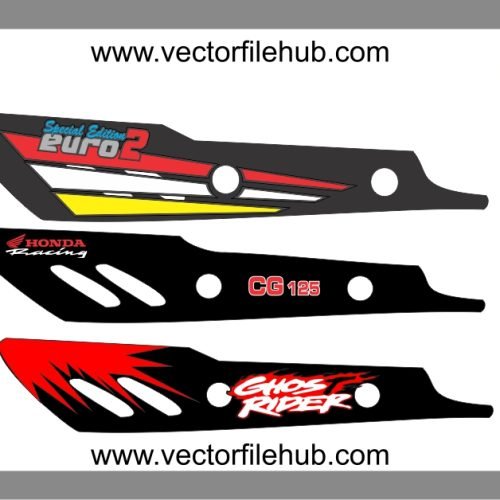
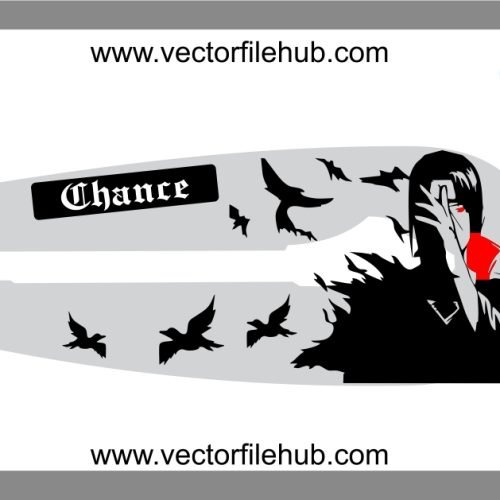
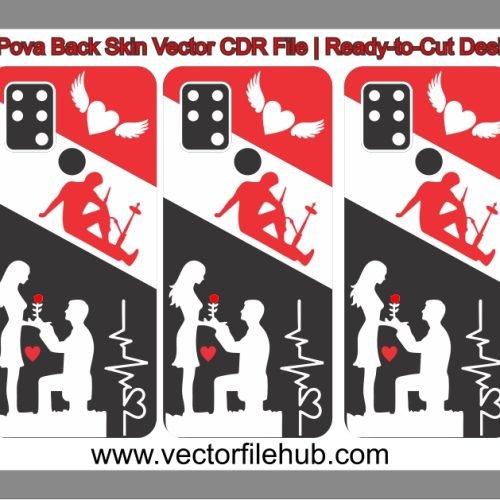
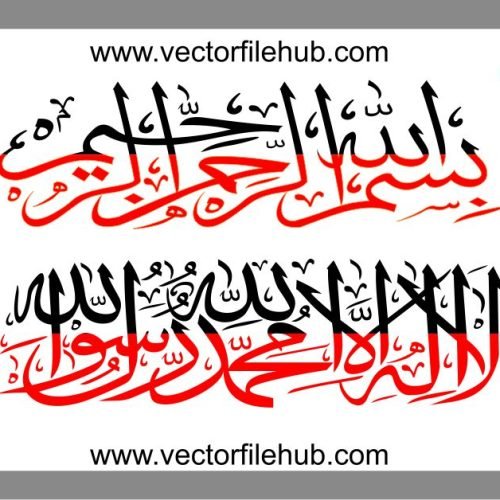
In the world of motorcycle customization, the backlight is often the most overlooked canvas. However, for those who want their bike to leave a lasting impression as they ride away, Urdu Poetry (Shayeri) stickers are a classic and culturally rich choice. Adding a poetic touch to your Honda CD 70 backlight not only enhances the visual appeal but also adds a layer of personality and attitude to your ride. Whether it’s a soulful couplet or a bold statement, Urdu typography combined with modern vector precision creates a stunning contrast against the red glow of the tail light.
At Vector File Hub, we have designed a high-quality, professional-grade backlight sticker template featuring elegant Urdu calligraphy. This design is specifically tailored to fit the dimensions of the Honda CD 70 backlight housing, ensuring that the text remains legible and perfectly centered.
Key Features of This Design
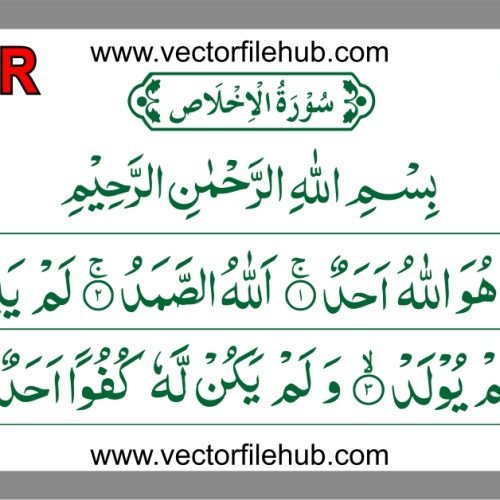
Authentic Urdu Calligraphy: Beautifully rendered fonts that capture the true essence of traditional and modern Urdu script.
High-Resolution Vector: As a professional CDR file, this design remains perfectly sharp even if scaled up for larger light housings or mudguards.
Optimized for Vinyl Cutting: The paths are cleaned and simplified, reducing node count for a smooth, fast, and accurate cut on any plotter.
Perfect Fitment: Designed specifically for the curved geometry of the CD 70 tail light.
Editable Outlines: Easily adjust the border thickness or font spacing in CorelDraw to suit your style.
Technical Specifications
File Format: .CDR (CorelDraw)
Compatibility: Works with CorelDraw X3, X7, 2019, and all latest versions.
License: 100% Copyright-free (Free for personal use and commercial modification).
Color Profile: CMYK (Ready for multi-color vinyl layering).
User Guide: How to Resize and Use the File
Download: Get the CDR file from the link provided below.
Open & Inspect: Launch CorelDraw and open the file. Ensure the “Units” are set to inches or millimeters.
Measurement: Measure the width and height of your actual backlight surface.
Scaling: Select the vector artwork and enter your measurements in the property bar. Because it is a vector, you will lose zero quality.
Preparation: If you want a “hollow” look where light shines through the letters, ensure you are using the “Outline” mode for your cutter.
Application: Clean the backlight with a lint-free cloth and a bit of spirit. Apply the sticker carefully, starting from the center and moving outwards to avoid bubbles.